

Mobile security / report template
Android Pentest Report Template & MASVS PDF Example
An Android pentest report documents the security of a specific application build and the environment in which it was assessed. This template combines an application profile with findings organized around OWASP MASVS and a clear remediation priority matrix.
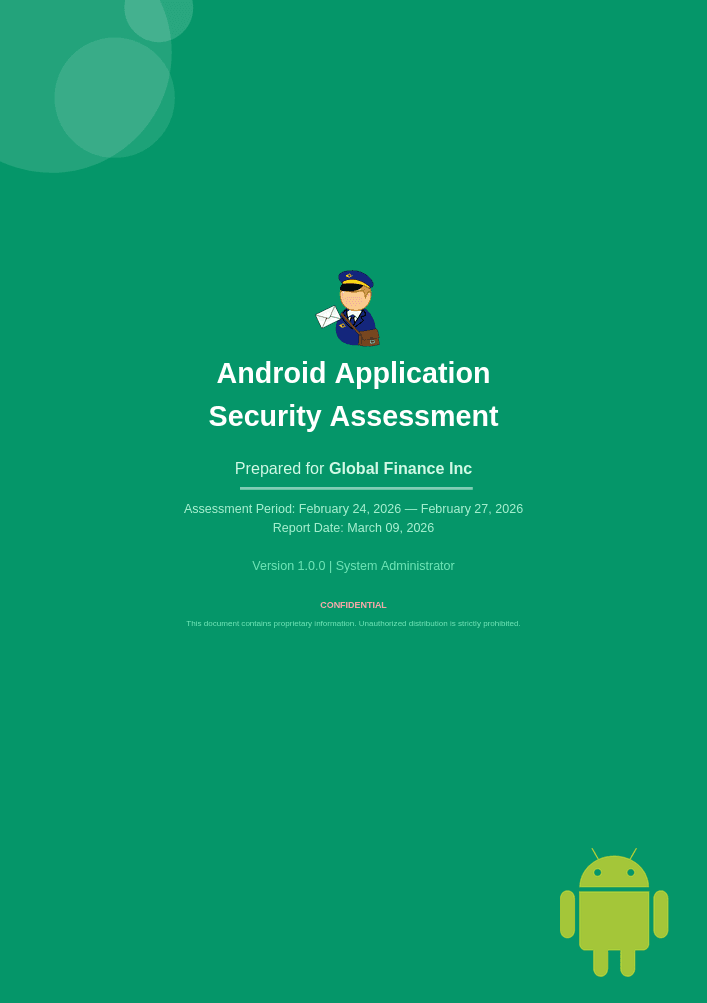
Keep the application context beside the findings.
Mobile assessment results depend on the application version, device and operating system involved. A useful Android report records that context before discussing the findings. It should also explain the boundary between the mobile application and its backend services, so readers can see where each conclusion applies and who owns the follow-up work.
This template organizes the application profile, permissions and components before organizing the report around eight MASVS control groups. That structure gives mobile developers a familiar way to navigate the results, while an executive summary and priority matrix help product and security leads understand what needs attention.
Android Application Assessment: scope, evidence and references
The guidance below describes how to scope and document the work. It does not imply that every topic is covered by the sample PDF. Record the reference editions used in your own engagement.
Make the tested Android build identifiable
Record package name, version, build identifier or artifact hash, distribution channel, target SDK, device and Android version. Note whether the build is a production-equivalent release or an instrumented test build. Findings from altered environments need that qualification next to their evidence.
Scope application components, local storage, inter-application communication, network interactions and backend responsibilities explicitly. A mobile UI can expose a server-side authorization defect, but correcting it in the client alone is not an adequate server-side control.
Use MASVS for requirements and MASTG for testing detail
MASVS organizes mobile security into eight control groups. MASTG supplies testing guidance; MASWE provides weakness classifications. Record the applicable control and test references rather than marking an entire group as passed because no finding was recorded.
Since MASVS 2.0, verification levels are not part of MASVS itself. The MAS project is moving that material into testing profiles. Do not reuse older L1, L2 or R labels without identifying the source edition and profile used for the engagement.
Write platform-specific evidence and remediation
Explain which data is sensitive, where it is stored or transmitted and which application component handles it. Include relevant manifest or configuration excerpts and redacted screenshots where they establish the observation. Avoid exposing credentials, personal data or complete production tokens in the report.
Android security guidance covers platform permissions, component exposure, secure communication and data handling. Tie recommendations to the supported OS and SDK range. Retest the corrected build and affected workflow; a changed manifest or dependency version alone does not establish the resulting behavior.
Inside this example report
The 24-page PDF shows how the report is organized. Its example content illustrates the layout; adapt it to the scope and evidence of your own engagement.
- 01
Executive summary
The assessment narrative and severity counts summarize the assessment for readers who need the main conclusions.
- 02
Application profile
Tables record the package, tested version, SDK details and device context, with separate permission and component summaries.
- 03
Assessment methodology
An approach section and findings overview establish how to interpret the report before readers enter the control-group chapters.
- 04
Eight MASVS control groups
Chapters cover storage, cryptography, authentication, networking, platform interaction, code quality, resilience and privacy.
- 05
Detailed findings
Individual findings include affected areas, severity context, descriptions, evidence, impact, remediation and references.
- 06
Priorities and reference material
A remediation priority matrix is followed by a glossary and severity rating scale to support planning and interpretation.
Make the report useful to its readers
Identify the exact build
Record the package name, version, build number, device and operating system. Keep these details with the evidence and state whether a conclusion also applies to another release.
Describe the coverage honestly
State which MASVS version and requirements informed the engagement. Distinguish assessed areas from excluded or unreviewed ones; a chapter with no findings does not by itself show a successful verification.
Write for the responsible team
Explain the user or data impact in plain language, then identify whether remediation belongs to the app, a shared library or a backend service. Keep the release context visible when assigning priorities.
Make it your own in Vulnotes
- 1
Download your template from Vulnotes Manager
Sign in to Vulnotes Manager, download this template and add it to your instance. Select it when creating a report to reuse its layout, report variables and finding sections. The public PDF shows an example of the finished output.
- 2
Let Vulnotes fill the connected variables
The template includes variables connected to your report: client details, engagement dates, findings and severity statistics where used. Vulnotes fills these from the data saved in your report. Add your findings and complete assessment-specific sections such as scope, analysis and conclusions; automatic population does not replace that work. Match the finding fields and categories expected by the template.
- 3
Edit the structure and visual design
Change page layout, orientation, margins, fonts, colors, branding, headers and footers in the template editor. Edit or replace tables, chart settings, images, code blocks and section labels. Heading numbering and the table of contents can be adapted to your delivery conventions. Text embedded inside an image must be changed in the source image or replaced.
- 4
Adapt the data bindings
Report variables hold engagement-specific content. Finding loops and filters control repeatable sections; charts and score tables can use report data. Review these bindings when renaming fields or changing the finding structure. Individually authored slide summaries still need editorial updates when findings change.
- 5
Write, review and deliver
Create your report with its client, scope and dates. Replace the example content, add your findings, review the preview and export the finished document.
Common questions
How does this template use OWASP MASVS?
The report has chapters for all eight MASVS control groups. They provide an organizational structure for the findings; the presence of those chapters does not establish that every MASVS requirement was verified.
What application details should I include?
Include the package identifier, tested version and build, relevant SDK versions, device and Android version. State the application features, environments and backend services covered, along with the access and limitations of the engagement.
Can this Android template also cover iOS?
The broad reporting structure can inform another mobile report, but this template uses Android-specific application details, permissions and components. An iOS deliverable needs its own platform context and reviewed content.
How do I customize the Android report template?
Review the public PDF, then download the template from Vulnotes Manager and add it to your instance. Use it in your reports with the expected finding fields. Vulnotes fills connected variables from report data; you can edit the branding, sections and assessment content.
What export formats are available in Vulnotes?
Vulnotes exports reports as PDF, editable Word documents (DOCX), Excel spreadsheets (XLSX), structured report data (JSON), and ZIP archives containing the report PDF and attachments, with optional password protection. XLSX lets you select finding fields and report content sections. You can also export selected findings as a partial PDF or DOCX report. The client portal additionally offers CSV exports of findings when enabled by the administrator. Read the export documentation.