

Identity & infrastructure / report template
Active Directory Pentest Report Template & PDF Example
An Active Directory pentest report connects identity and infrastructure findings to the decisions needed to secure a Windows environment. This template brings the domain context, risk summary and remediation roadmap into one structured deliverable.
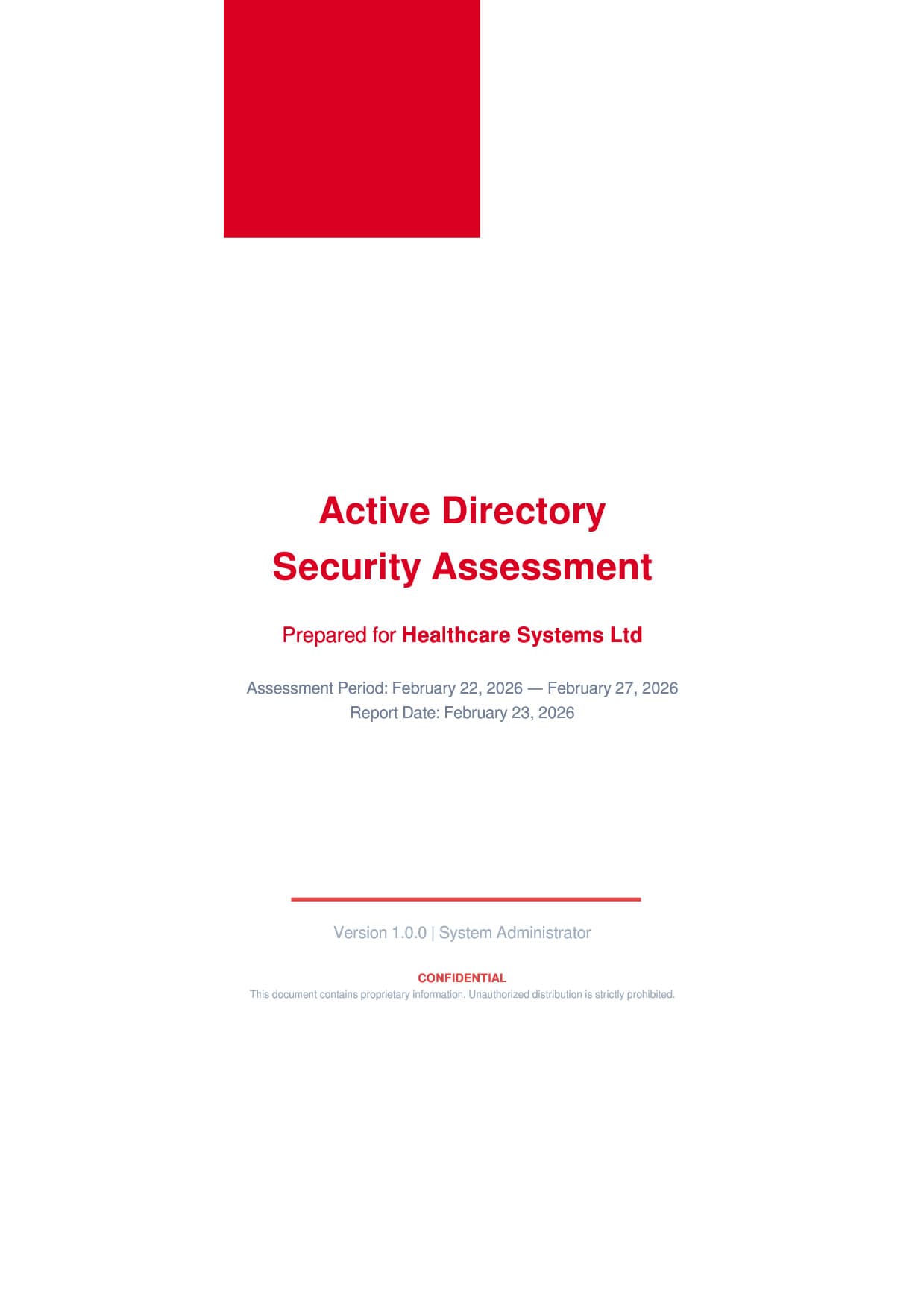
Give identity risks the context they need.
An Active Directory assessment examines how directory configuration, administrative privileges and supporting systems affect an organization's security. The report needs to explain which domains and systems were included, what access the assessment used, and where its conclusions apply. That context helps infrastructure teams distinguish a local issue from a concern that affects shared identity services.
This template separates executive priorities from technical finding details. An environment overview introduces the directory and its tiering model, while a staged remediation roadmap gives readers a clear place to plan follow-up work. Adapt the content, timelines and priorities to the environment you actually assessed.
Active Directory Assessment: scope, evidence and references
The guidance below describes how to scope and document the work. It does not imply that every topic is covered by the sample PDF. Record the reference editions used in your own engagement.
Scope identity control, not just domain controllers
Define the forests, domains, trusts, administrative populations and management systems included in the engagement. Include certificate services, directory synchronization and recovery infrastructure only where access and authorization cover them. A domain inventory alone does not explain who can administer the identity system or change its security controls.
Separate a configuration assessment from a penetration test. State whether conclusions come from directory exports, policy review, interviews, endpoint observations or authorized validation. Record collection dates and permissions: restricted visibility can omit relevant memberships, policy settings and dependencies.
Use the AD tier model in its current context
Microsoft describes the AD DS tier model as part of the broader Enterprise Access Model. Its trust boundaries concern administrative identities, workstations and managed assets, not just network zones. Describe the actual administrative model rather than treating an OU name or a network diagram as proof of separation.
For a privileged-access finding, document the affected identity or management system, the intended boundary, the observed permission or configuration and the business services dependent on it. A broad privilege label without its scope does not give an infrastructure owner enough information to prioritize a correction.
Report dependencies and closure criteria
Group instances of the same underlying configuration problem while preserving the affected-object list. Explain whether a finding is domain-wide, limited to one administrative workflow or confined to sampled systems. Keep confirmed observations separate from unverified consequences.
A useful roadmap identifies the owner, compatibility constraints, interim control and final acceptance evidence. For example, a privileged-account separation change needs reviewed assignments and representative administration records, not only a screenshot of a newly created group. Describe recovery testing separately from the existence of a backup.
Inside this example report
The 23-page PDF shows how the report is organized. Its example content illustrates the layout; adapt it to the scope and evidence of your own engagement.
- 01
Document control
Confidentiality, version history and a distribution list establish who receives the report and which version they should use.
- 02
Executive summary
An assessment narrative and severity counts introduce the main risks before readers reach the technical detail.
- 03
Scope and environment
Scope, methodology, domain information and an administrative tiering overview explain the setting for the findings.
- 04
Findings and recommendations
A summary leads into individual findings with descriptions, supporting evidence, impact, remediation and references.
- 05
Remediation roadmap
Immediate, short-term, medium-term and long-term planning sections organize follow-up work, with a prioritized summary table.
- 06
Reference appendix
A glossary and severity rating scale help technical and management readers interpret the same terminology.
Make the report useful to its readers
Name the boundaries
State the forests, domains and supporting systems covered, along with exclusions and access limitations. Keep those names consistent across the scope, findings and summary.
Explain the organizational impact
Describe which services, administrative responsibilities or business operations a finding affects. Tie the severity rationale to that context so readers understand the proposed priority.
Make the roadmap assignable
Set agreed priorities, owners and dependencies. Distinguish an interim risk reduction from the lasting change, and record what will demonstrate completion.
Make it your own in Vulnotes
- 1
Download your template from Vulnotes Manager
Sign in to Vulnotes Manager, download this template and add it to your instance. Select it when creating a report to reuse its layout, report variables and finding sections. The public PDF shows an example of the finished output.
- 2
Let Vulnotes fill the connected variables
The template includes variables connected to your report: client details, engagement dates, findings and severity statistics where used. Vulnotes fills these from the data saved in your report. Add your findings and complete assessment-specific sections such as scope, analysis and conclusions; automatic population does not replace that work. Match the finding fields and categories expected by the template.
- 3
Edit the structure and visual design
Change page layout, orientation, margins, fonts, colors, branding, headers and footers in the template editor. Edit or replace tables, chart settings, images, code blocks and section labels. Heading numbering and the table of contents can be adapted to your delivery conventions. Text embedded inside an image must be changed in the source image or replaced.
- 4
Adapt the data bindings
Report variables hold engagement-specific content. Finding loops and filters control repeatable sections; charts and score tables can use report data. Review these bindings when renaming fields or changing the finding structure. Individually authored slide summaries still need editorial updates when findings change.
- 5
Write, review and deliver
Create your report with its client, scope and dates. Replace the example content, add your findings, review the preview and export the finished document.
Common questions
What should an Active Directory assessment report include?
Include the assessment scope, directory environment, executive summary, evidence-backed findings and a prioritized remediation plan. Document access limitations and explain severity ratings so the recipients can understand both the risks and the boundaries of the assessment.
Is this suitable for a broader internal network assessment?
It is a useful starting point when Active Directory is central to the engagement. Add separate coverage for other infrastructure, applications or services in scope, and adapt the environment overview to describe them accurately.
How should I set remediation deadlines?
Set deadlines using your organization's risk decisions, operational constraints and change process, then update the plan as owners agree the work.
How do I use the Active Directory template in Vulnotes?
Preview the example PDF without an account. Download the template from Vulnotes Manager, add it to your instance and select it for your report. Its connected variables use your client, engagement and finding data. Complete the assessment narrative and customize the branding in the template editor.
What export formats are available in Vulnotes?
Vulnotes exports reports as PDF, editable Word documents (DOCX), Excel spreadsheets (XLSX), structured report data (JSON), and ZIP archives containing the report PDF and attachments, with optional password protection. XLSX lets you select finding fields and report content sections. You can also export selected findings as a partial PDF or DOCX report. The client portal additionally offers CSV exports of findings when enabled by the administrator. Read the export documentation.