

Cloud & identity / report template
Azure & Entra ID Assessment Report Template & PDF Example
Use the Azure & Entra ID Assessment template to document tenants, subscriptions, identities and cloud resources. This page explains the assessment boundaries, evidence expectations and relevant references, alongside a populated PDF example and an editable Vulnotes report template.
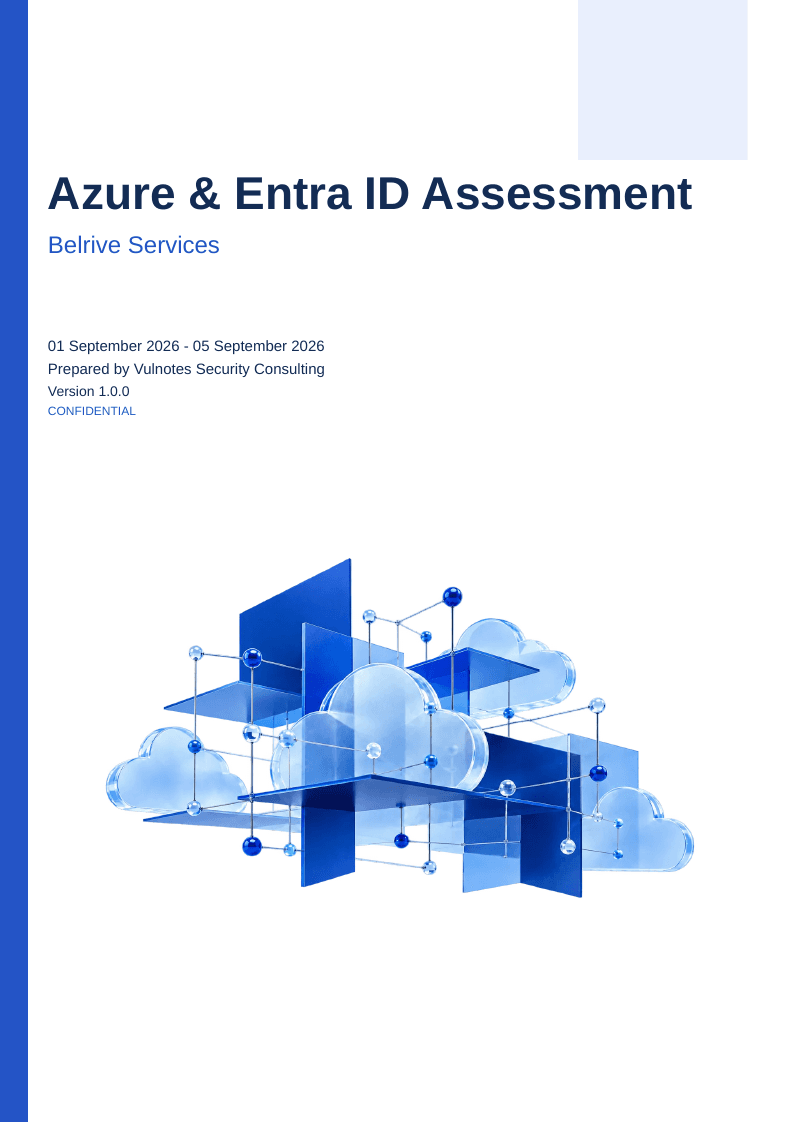
A reusable structure for tenants, subscriptions, identities and cloud resources.
State separately whether Azure infrastructure, Entra ID or both are included. Record inherited policies and responsibility boundaries.
The report includes document control, an executive assessment, scope, coverage, environment context, a findings register, repeatable finding details and remediation tracking.
The PDF is exported from a populated demonstration report saved in Vulnotes. It includes client details, technical findings, evidence figures, CVSS scoring where applicable, severity charts, owners and retest criteria. Download the reusable template from Vulnotes Manager to use its layout and variables with your own report data.
Azure & Entra ID Assessment: scope, evidence and references
The guidance below describes how to scope and document the work. It does not imply that every topic is covered by the sample PDF. Record the reference editions used in your own engagement.
Separate directory administration from Azure resource access
State whether the engagement covers Microsoft Entra ID, Azure resources or both. Record tenants, management groups, subscriptions, resource groups, identities and excluded services. Azure resource roles and Entra directory roles are different authorization systems; use the correct scope and role names in each finding.
For permissions and governance observations, capture inherited assignments, the relevant principal, assignment scope and evidence date. Identify whether a change is owned by tenant administrators, subscription owners or a workload team. Do not infer tenant-wide protection from a single subscription review.
Distinguish configured policy from enforced protection
For Conditional Access, record policy state, included and excluded identities, target resources and applicable conditions. Report-only evaluation is not enforcement. Explain whether the evidence is a policy export, sign-in record or another source, and limit conclusions to the conditions represented.
Microsoft cloud security benchmark guidance can support control selection. Its moving overview currently describes v2 as preview, so pin the edition and service baseline actually used rather than citing an unqualified latest benchmark. A benchmark mapping does not replace evidence for control operation.
Make remediation verifiable across the two planes
A finding should identify the affected identity or resource, observed state, expected restriction, applicable evidence and owner. Preserve distinctions between missing configuration, overly broad access and an unavailable evidence source. None of those is interchangeable with a demonstrated compromise.
Closure may require updated assignments, policy scope review and representative activity evidence. State which exclusions remain and who accepts them. Keep emergency administration and operational continuity requirements visible when documenting changes to privileged access.
Inside this example report
The 17-page PDF shows how the report is organized. Its example content illustrates the layout; adapt it to the scope and evidence of your own engagement.
- 01
Document control and executive assessment
Identify the issue, recipients, supported conclusion, priorities and verified strengths.
- 02
Scope and coverage
State separately whether Azure infrastructure, Entra ID or both are included. Record inherited policies and responsibility boundaries.
- 03
Environment and evidence
Identify the tenant and resource, observation date and effective configuration. Distinguish configuration review from verified effectiveness.
- 04
Findings and remediation
Document observations, impact, correction, owner and acceptance evidence. Finding pages repeat from report findings.
- 05
Retest and limitations
Record retest results, scoring methodology, assumptions and residual uncertainty.
Make the report useful to its readers
Record actual coverage
Distinguish verified controls, observed gaps, untested areas and justified exclusions.
Keep the evidence traceable
Identify the tenant and resource, observation date and effective configuration. Distinguish configuration review from verified effectiveness.
Personalize before delivery
Replace completion guidance and sample rows, enter the assessment provider, review dates and recipient list, and inspect the final export.
Make it your own in Vulnotes
- 1
Download your template from Vulnotes Manager
Sign in to Vulnotes Manager, download this template and add it to your instance. Select it when creating a report to reuse its layout, report variables and finding sections. The public PDF shows an example of the finished output.
- 2
Let Vulnotes fill the connected variables
The template includes variables connected to your report: client details, engagement dates, findings and severity statistics where used. Vulnotes fills these from the data saved in your report. Add your findings and complete assessment-specific sections such as scope, analysis and conclusions; automatic population does not replace that work. Match the finding fields and categories expected by the template.
- 3
Edit the structure and visual design
Change page layout, orientation, margins, fonts, colors, branding, headers and footers in the template editor. Edit or replace tables, chart settings, images, code blocks and section labels. Heading numbering and the table of contents can be adapted to your delivery conventions. Text embedded inside an image must be changed in the source image or replaced.
- 4
Adapt the data bindings
Report variables hold engagement-specific content. Finding loops and filters control repeatable sections; charts and score tables can use report data. Review these bindings when renaming fields or changing the finding structure. Individually authored slide summaries still need editorial updates when findings change.
- 5
Write, review and deliver
Create your report with its client, scope and dates. Replace the example content, add your findings, review the preview and export the finished document.
Common questions
What does the download contain?
A reusable English template from Vulnotes Manager, including its document layout, styling and report variables. Vulnotes fills connected variables from your report data; complete the assessment-specific sections and use the finding fields expected by the template.
Can I use the PDF as an audit result?
No. This is a sample deliverable. Complete the reusable template with your engagement scope, evidence and review decisions before client delivery.
Does the template establish compliance?
No. Record the reference versions, actual coverage, evidence and exclusions applicable to your engagement. A reference mapping alone does not establish compliance.
What export formats are available in Vulnotes?
Vulnotes exports reports as PDF, editable Word documents (DOCX), Excel spreadsheets (XLSX), structured report data (JSON), and ZIP archives containing the report PDF and attachments, with optional password protection. XLSX lets you select finding fields and report content sections. You can also export selected findings as a partial PDF or DOCX report. The client portal additionally offers CSV exports of findings when enabled by the administrator. Read the export documentation.